One AI ad manager for Google, Meta, TikTok, LinkedIn, Reddit, Apple, Bing, ChatGPT and Snapchat
Lazy Ads is an AI media buyer across nine networks, on a fixed monthly fee, not a cut of your ad spend. One account runs Google, Meta, TikTok, LinkedIn, Reddit, Apple, Bing, ChatGPT and Snapchat ads. You connect the ad accounts you already own, then build, launch, pause and rebudget campaigns from one dashboard or an MCP client.
"Manage Meta, Google, and TikTok from one dashboard" is the search people type when they are tired of three passwords and three export CSVs. The full version of that sentence is nine networks. You want one place to see spend, pause a loser, and push a draft — across Meta, Google, TikTok, LinkedIn, Reddit, Apple, Bing, ChatGPT, and Snapchat.
That is what a multi-platform AI ad manager has to get right in 2026. All nine networks are live. Meta is Facebook and Instagram.
Lazy Ads is built as AI ad campaign management across nine ad networks: Meta, Google, TikTok, LinkedIn, Reddit, Apple, Bing, ChatGPT, and Snapchat. This post is the map of that surface, the dashboard you actually log into, and the two ways to operate it — your agent on a bridge, or Lazy Ads AI on Starter+.
For import of live campaigns, see Import existing ad campaigns. For the $19 bridge, see Bring your own agent ads. For Review First vs Full Autopilot, see AI ad approval workflow. Setup lives in Manage ads from your AI agent (MCP).
Why one dashboard still matters when you already have agents
Agents made the "I will just live in each Ads Manager" argument worse, not better. Context is in Claude or Cursor; budgets are still trapped in vendor UIs that do not agree on what an ad set is.
A unified dashboard is not nostalgia for 2018 campaign managers. It is the system of record your agent and your human can both trust. Lazy Ads stores the campaign objects, syncs performance from all nine networks, and gives you one place to see whether anything is on. The MCP server is the same graph over a protocol. The REST API, on Growth and above, is the same graph over HTTP you control. Three doors, one account model.
If you only needed a pretty chart, a spreadsheet would do. What you need is a write path that does not change personality when you move from Google Search to TikTok to LinkedIn.
The nine networks, without the extra logos
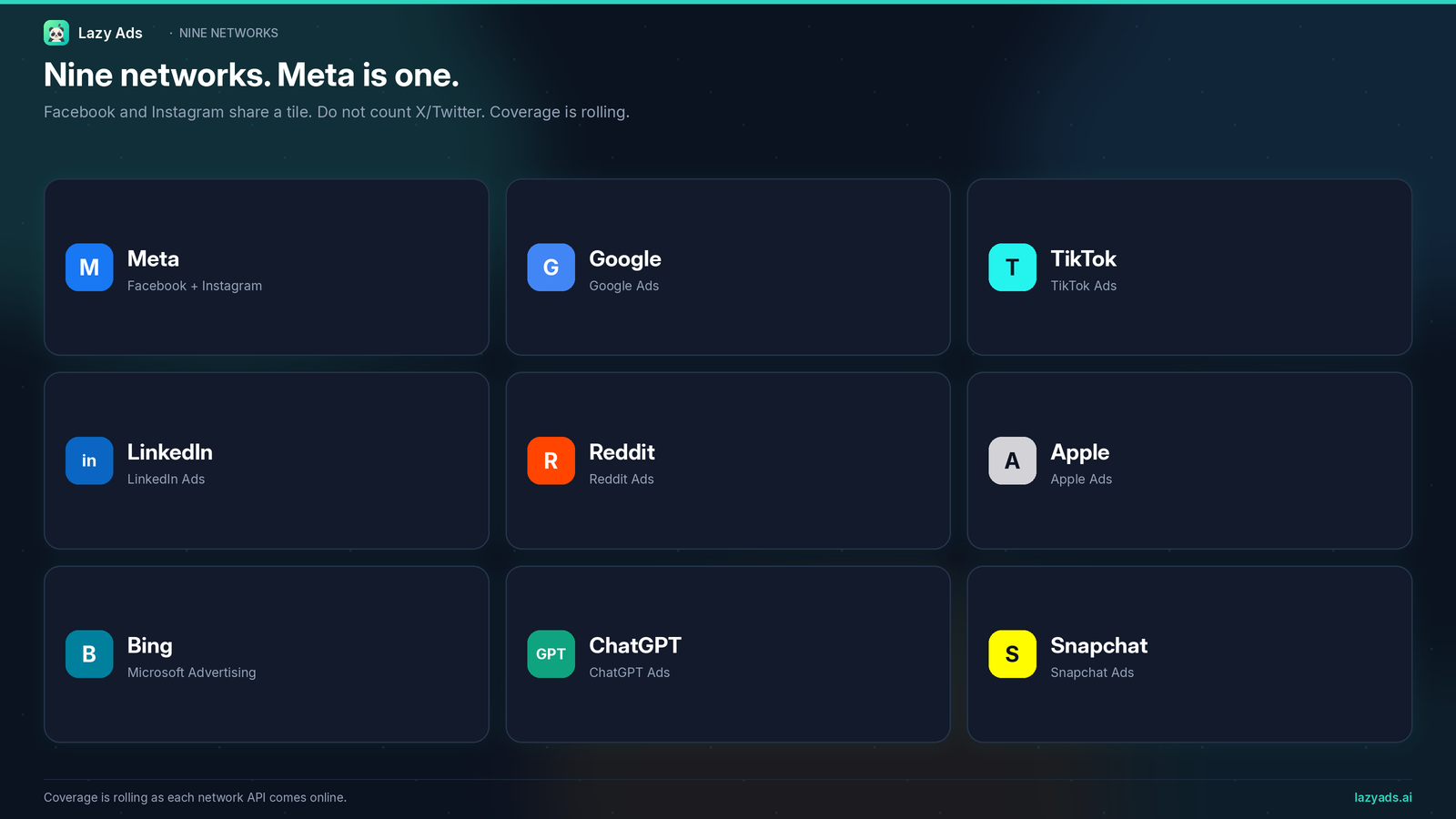
Count them the way the product counts them.
Meta covers Facebook and Instagram — Feed, Stories, Reels, Audience Network, Explore. One connection, one advertiser account family, two consumer surfaces. If a landing page shows Facebook and Instagram as separate platforms, that is a marketing slide, not a network count.
Google is Search, YouTube, and Display. Keyword adds on the bridge land here (and on Bing and Apple).
TikTok is the short-form video account you already know is picky about creative specs.
LinkedIn is the B2B console — professional targeting, not a recycled social campaign.
Reddit is community placements — useful when the audience actually lives in a subreddit, useless as a vanity logo.
Apple is App Store Search and Apple Maps. If you do not have an app, this network will sit idle, and that is fine.
Bing is Microsoft Advertising: search, keywords, RSA. The people who still ignore it are often the people bidding against you on cheaper queries.
ChatGPT is sponsored chat cards inside ChatGPT. The MCP bridge includes a dedicated connect_chatgpt_ads tool that takes an Ads Manager API key.
Snapchat is Stories, Spotlight, Discover, and Camera Snap Ads. It is live.
That is nine — even when a homepage shows Facebook and Instagram as separate logos.
You still bring the advertiser accounts
All nine networks are live. You still need native advertiser accounts. Lazy Ads does not create a Meta Business, a Google Ads customer, or a TikTok Business Center for you.
The dashboard lists the accounts you have signed in. An agent calling list_platform_connections will tell you the same thing.
You can publish to every network you have credentials for. The product is not waiting on API access.
What the dashboard is for
Once you add a network, the useful work is boring and specific.
Import a campaign that already exists so Lazy Ads is not a second source of truth. Sync performance for one campaign or for every linked campaign. Read spend by platform. Break down age, gender, placement, device, or region. Pause or resume at campaign, ad set, or ad level. Change a daily budget. Duplicate a draft when you want a variant. Attach a creative from the library. Check billing before you assume the account can spend.
That is AI ad campaign management in the operator sense: the objects live in one place, the metrics come back to one place, and you stop exporting five CSVs to answer "what did we spend."
The AI sense — Lazy Ads building a campaign from a description, chatting inside the product, scoring or generating creatives, scanning competitor ads — is a different layer. It is Starter and above. Free users have zero AI tokens. The free path is onboarding plus competitor ad browse — not a generated campaign.
Two ways to run the same nine-network graph
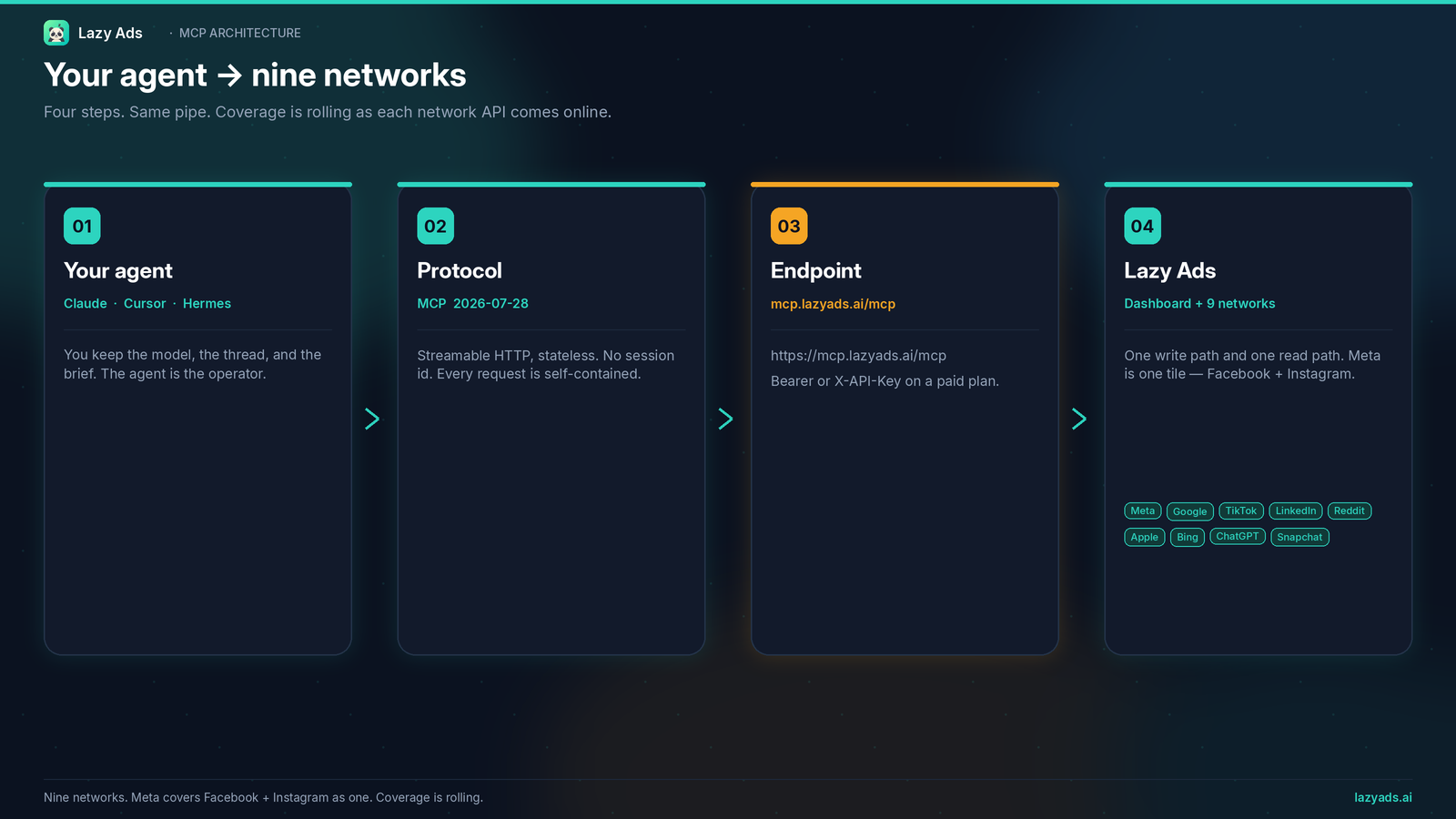
Bring your own agent (BYOA)
BYOA is the limited MCP bridge. $19/month annual, $24 monthly. Thirty-nine tools. Your Claude, Cursor, or Hermes agent writes the strategy and calls the bridge. Lazy Ads does not spend AI tokens on your behalf. You still get the unified dashboard and performance sync across all nine networks.
This is the right door if you already manage work in an agent and you searched for a multi-platform AI ad manager because you wanted fewer consoles, not a second brain.
Starter and above (full MCP + Lazy Ads AI)
Starter is $79/month annual, $99 monthly. Full MCP is 53 tools, which is the bridge plus Lazy Ads AI: campaign build, in-product chat, optimization notes, creative score and generation against quota, audience suggestions, competitor AI. Growth ($199/$249) and Scale ($399/$499) keep that suite and are sized for more monthly ad spend, with higher analysis frequency, creative quota, and competitor tracking.
REST API access is Growth+. The dashboard and MCP are not. Do not buy Growth just to manage Meta, Google, and TikTok from one screen. Buy Growth when you want your own HTTP integration on top of that screen.
A week of work that does not require a case study
Monday: finish onboarding. Add the advertiser accounts you already have. Browse competitor ads. Do not wait for an AI build you cannot run on free tokens.
Tuesday: if you subscribed, generate an API key and point Cursor or Claude at https://mcp.lazyads.ai/mcp, or stay in the dashboard. Import live campaigns. Sync. Read spend. Pause the obvious waste.
Wednesday: push one new draft. If you are on BYOA, your agent writes it. If you are on Starter+, you can call build_ai_campaign and review the result before anything goes live.
Thursday: look at breakdowns, not vibes. Move a daily budget.
Friday: duplicate a winner into a draft, or do not. Friday should not require five logins to know whether you should.
No ROAS multiple belongs in that week until your own accounts produce one.
What you can actually count on
A new account still needs native advertiser credentials before it can publish. Free users do not get an AI campaign they have no tokens to build. REST is not on Starter. BYOA does not include Lazy Ads AI.
What you can count on is nine live networks, a dashboard and MCP graph for those accounts, a 39-tool bridge on BYOA, a 53-tool full MCP on Starter+, and a free path that is onboarding plus competitor ads. You bring the advertiser accounts.
FAQ
Can one AI tool run Google, Meta, TikTok and LinkedIn ads?
Yes. Lazy Ads runs all four from one account, along with Reddit, Apple, Bing, ChatGPT and Snapchat. You bring your own advertiser account on each network.
Does connecting more networks cost more?
No. Plan price is set by how much you spend each month and how often the AI reviews campaigns. Starter is $79/mo billed annually for up to $3,000/mo in spend across every network you connect. Each network bills media spend to your own account.
Which ad networks does Lazy Ads cover?
Nine: Google, Meta (Facebook and Instagram), TikTok, LinkedIn, Reddit, Apple, Bing, ChatGPT and Snapchat. Amazon Ads, Pinterest, X and Spotify are not covered.
Can I manage these campaigns from Claude or Cursor?
Yes. Point any MCP client at https://mcp.lazyads.ai/mcp with a Lazy Ads API key. Every paid plan gets the 39-tool bridge, and Starter and up get all 53.
Start on all nine from one dashboard
If you wanted a multi-platform AI ad manager, start at lazyads.ai: finish onboarding, browse competitor ads, add the advertiser accounts you already have. When you want writes and an agent on the wire, pick BYOA or Starter on pricing. Read the tool list on lazyads.ai/mcp. If the agent is Hermes, use the Hermes guide.
Manage Meta, Google, TikTok, and the rest of the nine from one dashboard. Start with onboarding and competitor ads.